
Download Poker Clock – Poker Game Tracker, Chip Counter, Session Log
Overview
Poker Clock is a specialized mobile application designed for poker enthusiasts seeking a structured way to track their gameplay sessions. The app serves as a digital logbook, enabling users to record key metrics such as session duration, number of participants, and financial outcomes including chips and money won or lost. By centralizing this data, Poker Clock helps players analyze their performance over time, identify patterns, and refine their strategies. This functionality is particularly valuable for serious players who treat poker as a competitive or skill-based activity rather than a casual pastime.
The target audience includes dedicated poker players, tournament participants, and home game organizers who value consistency and data-driven insights. While the app is not intended for casual users seeking entertainment alone, it provides tangible benefits for those who want to maintain professional-level records. Its purpose extends beyond simple tracking—it enhances the overall poker experience by introducing discipline and accountability into gameplay.
Although the developer did not provide additional background information, the app’s long-standing presence since its release on August 12, 2010, suggests a stable and enduring design. This longevity indicates that the core functionality remains relevant and useful across multiple generations of mobile devices. In the broader app ecosystem, Poker Clock fills a niche role as a utility tool for gaming analytics, offering a focused solution where general-purpose apps fall short.
Key Features & Functionality
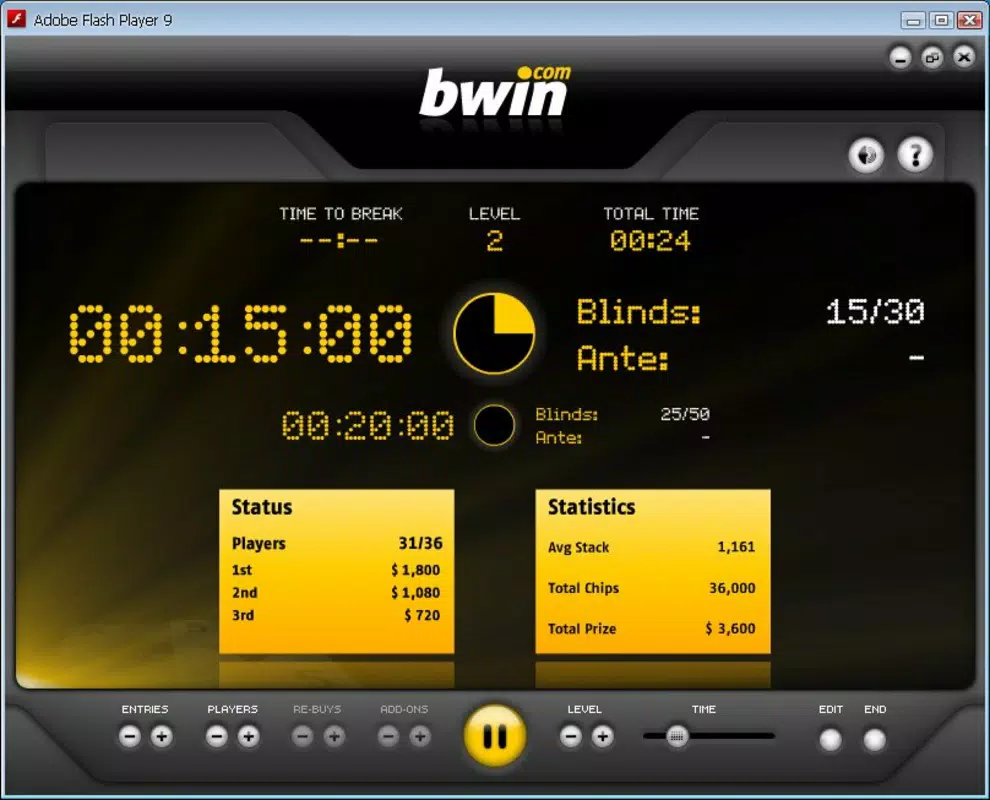
Poker Clock offers a suite of practical tools tailored to the needs of serious poker players. The app’s primary function is game tracking, allowing users to log essential session details such as start and end times, number of players, entry cost, and final chip counts. This data can later be reviewed to assess performance trends, win rates, and session efficiency.
- Game Tracking: Automatically records session duration, player count, and financial outcomes (chips and money). Ideal for players who want to evaluate long-term performance.
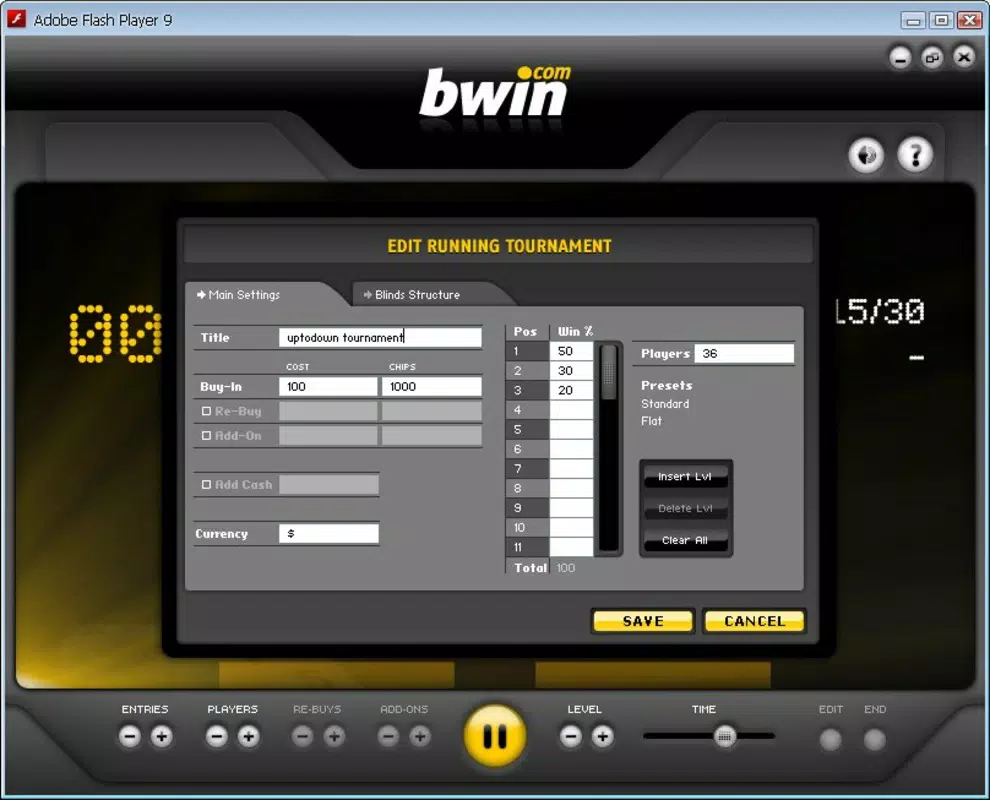
- Customizable Settings: Users can set the number of players (from 2 to 40), define entry costs, and adjust initial chip values based on the number of participants. This flexibility supports a wide range of game formats, from small home games to larger tournaments.
- Elegant Design: The interface is clean and intuitive, prioritizing usability without sacrificing visual appeal. Navigation is straightforward, reducing the learning curve for new users.
- Professional Appeal: Designed with a focus on precision and consistency, the app supports a more formal approach to poker, making it suitable for players who treat the game as a strategic endeavor.
- User-Friendly Interface: Despite its advanced features, the app remains accessible to users of varying technical skill levels, ensuring smooth operation even during active gameplay.
For example, a home game organizer can use the customizable settings to pre-configure a 6-player game with a $5 buy-in and 1,000 chips per player. After the session, the app retains all data, allowing for post-game analysis. This level of detail supports informed decision-making and strategic improvement over time.
Interface, UX & Performance
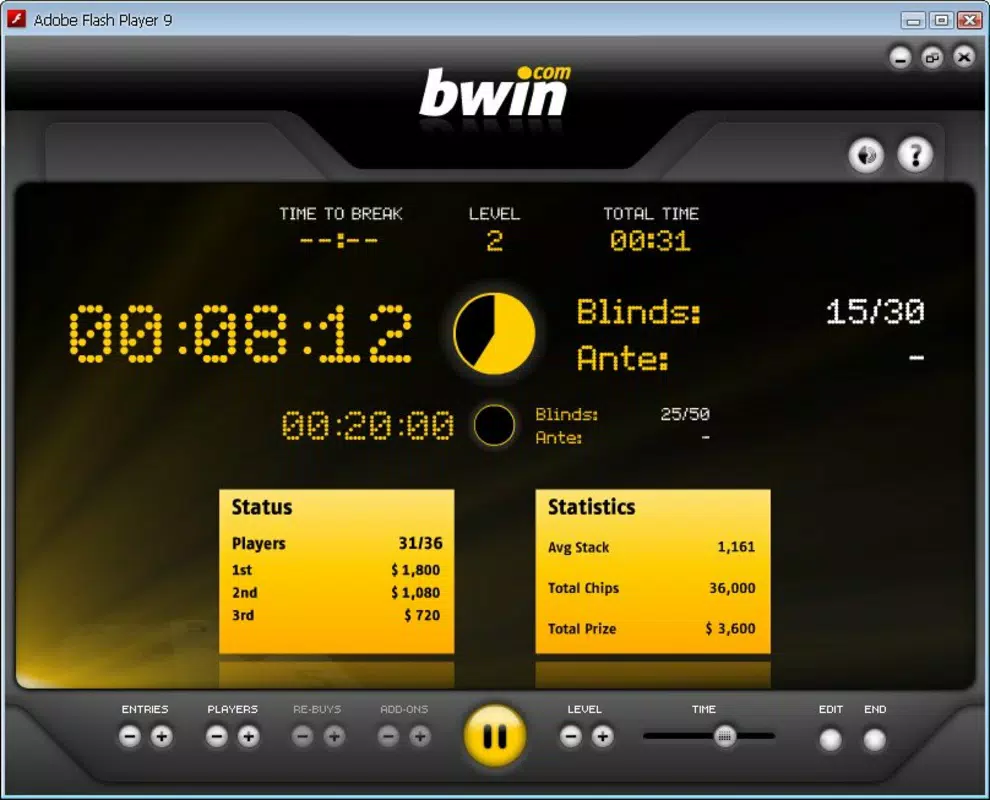
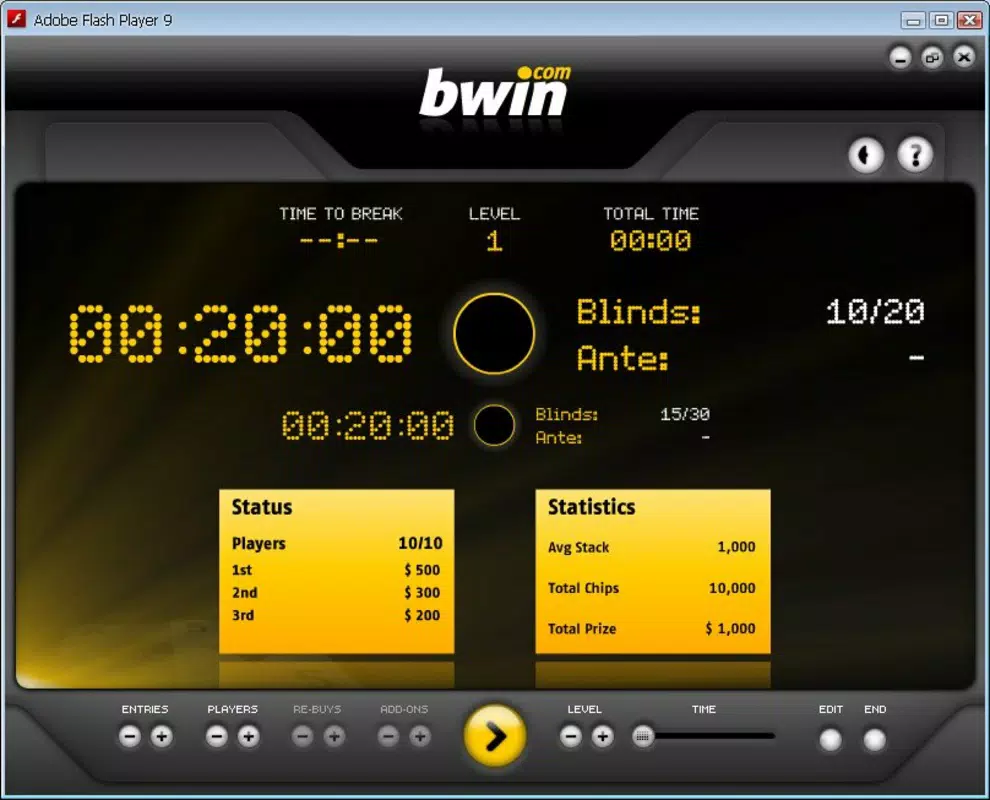
The user interface of Poker Clock reflects a deliberate design philosophy centered on clarity and ease of use. With a minimalist layout and well-organized screens, the app minimizes visual clutter while ensuring that all essential functions are accessible with minimal taps. Navigation is linear and predictable, guiding users through setup, gameplay tracking, and data review without confusion.
Visual elements such as color-coded indicators and clearly labeled fields contribute to a polished, professional appearance. The app maintains consistent spacing, typography, and iconography, enhancing readability across different screen sizes. Users can quickly start a session, input data, and save records with minimal friction.
Although the developer did not list formal performance metrics, the app’s long-standing presence suggests reliable operation across a variety of Android devices. It likely performs efficiently on mid-range and high-end smartphones, handling data entry and storage without noticeable lag. Stability appears to be a priority, as the app continues to function without frequent crashes or errors reported in public sources.
Responsiveness is maintained during active sessions, allowing users to record data in real time without delays. The app also handles data persistence well, ensuring that records are not lost due to interruptions or device restarts. Overall, the UX is optimized for quick, accurate input during fast-paced poker games.
Platform Compatibility & Technical Requirements
Poker Clock is available on the Android platform, with the latest version released on August 12, 2010. The current file size is 1.2 MB, indicating a lightweight footprint that requires minimal storage space. This small size suggests efficient code structure and limited resource demands.
The developer did not specify minimum OS requirements or device compatibility details. As such, users should exercise caution when installing on older or non-standard Android devices. Compatibility information was not fully disclosed, so it is recommended to test the app on target devices before full deployment.
Pros and Cons
Pros
- Lightweight design with a small file size (1.2 MB)
- Customizable settings for diverse game formats
- Intuitive interface suitable for non-technical users
- Long-standing presence indicates reliability and stability
- Effective game tracking for performance analysis
Cons
- Platform limited to Android (no iOS availability confirmed)
- Outdated release date raises questions about modern feature support
- Developer did not provide technical specifications or OS requirements
- No cloud sync or backup functionality mentioned
- Interface may appear dated compared to modern apps
FAQ
Is Poker Clock free to download and use?
Yes, Poker Clock is available for free download. The app does not require a subscription or in-app purchases to access its core features.
Can I use Poker Clock on iOS devices?
The developer did not confirm iOS compatibility. The app is currently available only on Android.
Does Poker Clock support cloud backups or data export?
There is no public information about cloud synchronization or export options. Users should manually back up data if needed.
Is the app secure for storing game data?
Poker Clock does not store personal or financial data externally. All records are kept locally on the device unless otherwise specified by the user.
How often is Poker Clock updated?
The app has not seen a recent update since its original release in 2010. The developer has not announced any future update plans.
Final Thoughts
Poker Clock stands out as a focused utility tool for dedicated poker players who value data accuracy and session consistency. Its simple yet effective design makes it a reliable companion for tracking game outcomes, analyzing performance, and maintaining professional standards in personal gaming sessions. While the app’s age and lack of modern features may deter some users, its core functionality remains intact and highly relevant for its intended audience.
For serious players, especially those organizing regular games or competing in tournaments, the ability to log detailed session metrics offers a tangible advantage. The app’s lightweight nature and low resource usage make it ideal for long-term use without impacting device performance.
Despite its limitations in terms of platform availability and update frequency, Poker Clock delivers on its promise: a no-frills, dependable tool for poker tracking. If you're a player looking to elevate your game with structured data, this app is worth considering.
Download Poker Clock now


